
Workstation Setup
BusMATE utilizes an automatically updating installation.
System Requirements
Processor: Intel Core i3 with 2 CPU cores or better
Memory: 4GB RAM minimum
Disk Space: 1GB available (requirements may change with future features deployed)
Operating System: Supported version of Microsoft Windows
Network: Connectivity to database server
Installing BusMATE Workstation
- Download the latest version of BusMATE from the BusMATE website here.
- Run the installer after the download completes
- Click the Next button
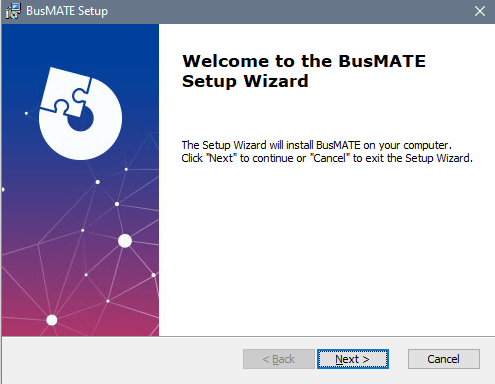
- Click the Next button
-
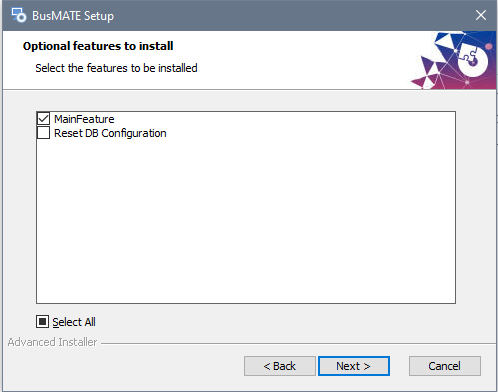
- Note that if you wish to reset the database location information, you can do so by choosing the "Reset DB Configuration" option during installation or upgrade.
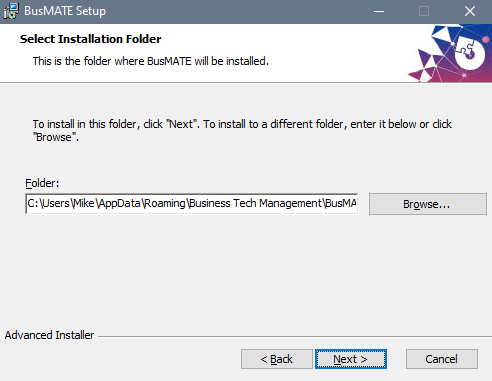
- Leave the installation path at the default user profile location and click the Next button
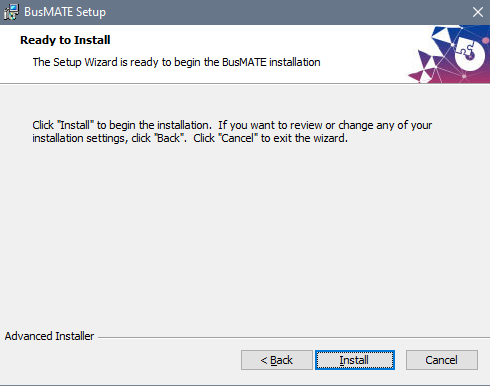
- Click the Install button to begin
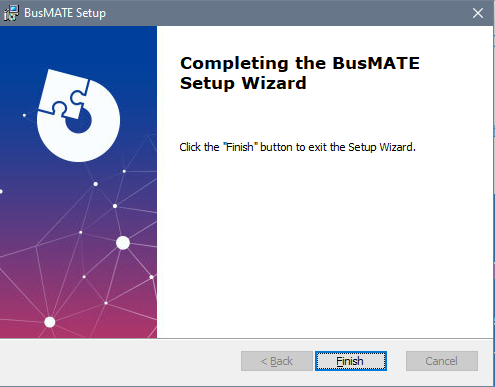
- Click the Finish button to exit the installer
- You should now have a BusMATE application shortcut on your Windows desktop and in the Start Menu.