
Initial Configuration
First Time Launch
First time launch of BusMATE from a workstation will result in the prompting you to define the connection details for your database server. This configuration needs to be completed on each workstation, but should not need to be updated after software updates. Most users will be able to utilize the "automatic configuration" option below. You can skip the section about "manual configuration" if the "automatic configuration" was successful.
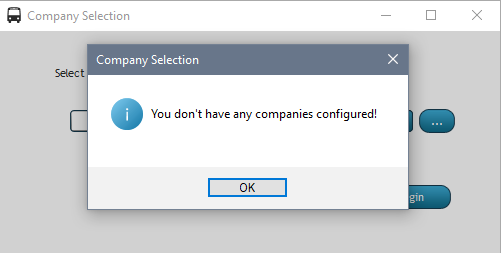
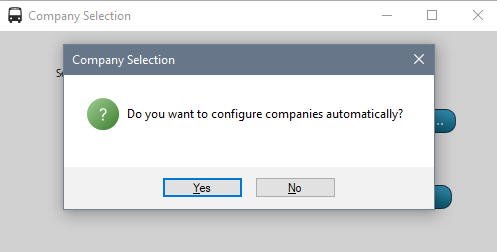
Automatic Configuration
If you answer Yes, you'll be prompted for your company-specific client Key.
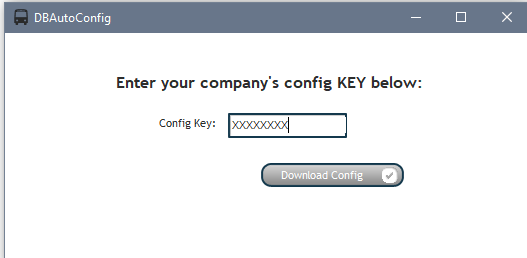
Enter your config key and click the "Download Config" button. If a matching key is found on the server, the config will immediately begin. If the key is not found on the server-then you've entered the key incorrectly OR your company does not have a config on file.
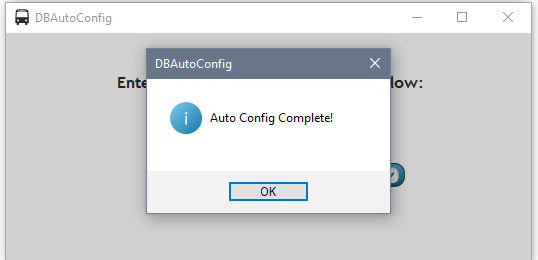
Once complete, you should receive the following dialog.
Manual Configuration - Not needed if automatic configuration was successful!
If you answered No to auto config, you'll be prompted to configure company definitions manually as shown below:
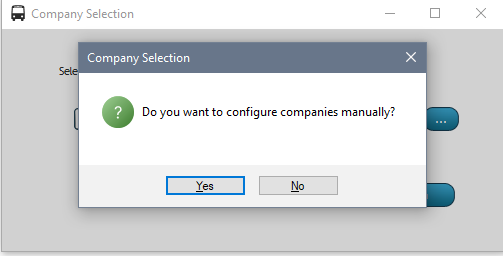
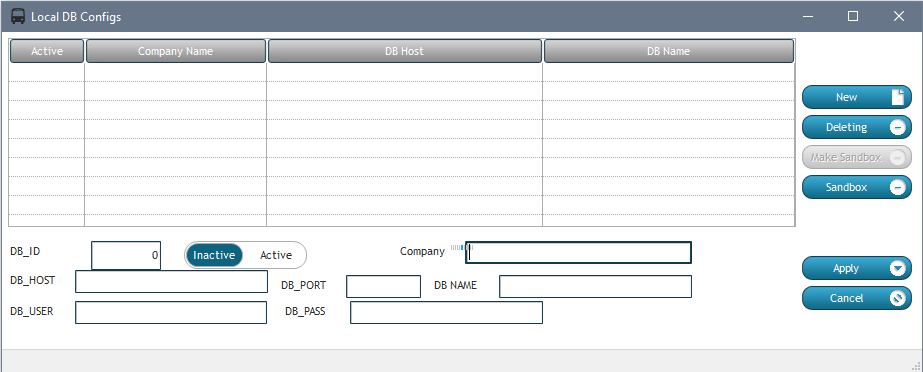
Toggle the inactive/active to "Active". Only "Active" records will be available for selection.
Enter the database configuration details as appropriate
For the "Company" field, enter the text you wish to appear in the drop-down selection (this should typically be your company name followed by "Production" or "Sandbox" depending on which database/company you're configuring).
Be sure to click the "Apply" button to save the record
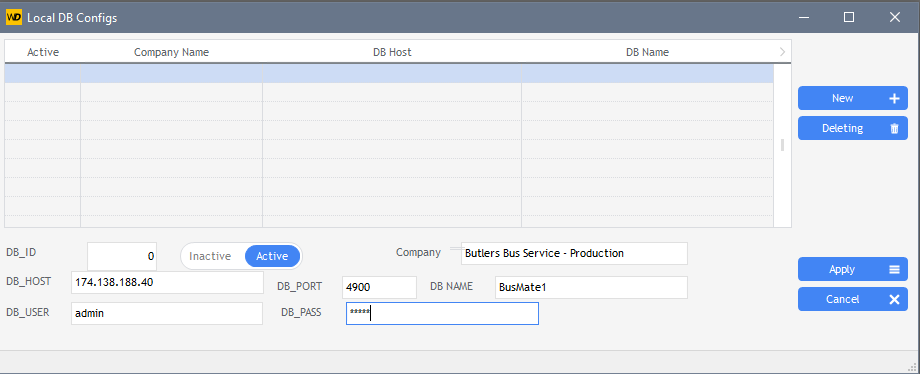
Close the DB config window
The newly-created company will be automatically selected from the company selection window.
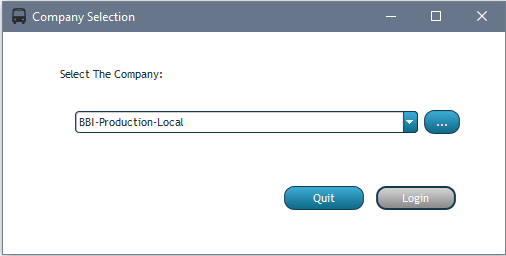
Note: The company selection drop-down remembered the last selected company used.
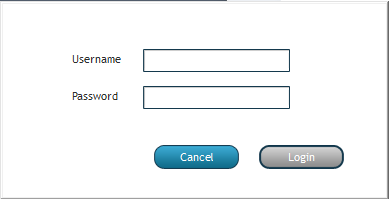
Click the Login button to choose the "Company" from the list, then enter your username and password in the dialog followed by clicking the Login button as shown below..
Administrators-
The first time you log into the program, you'll need to login using the following credentials:
Username: superadmin
Password: admin123
Note that the above default credentials are only valid if there are no other user accounts configured as of yet. Once any additional user accounts have been created-the above will no longer be available.