Viewing Fax History
Login to your account at fax.nhvtcloud.com
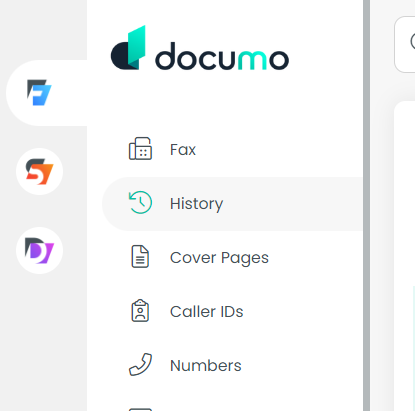
Click "history" on the left panel
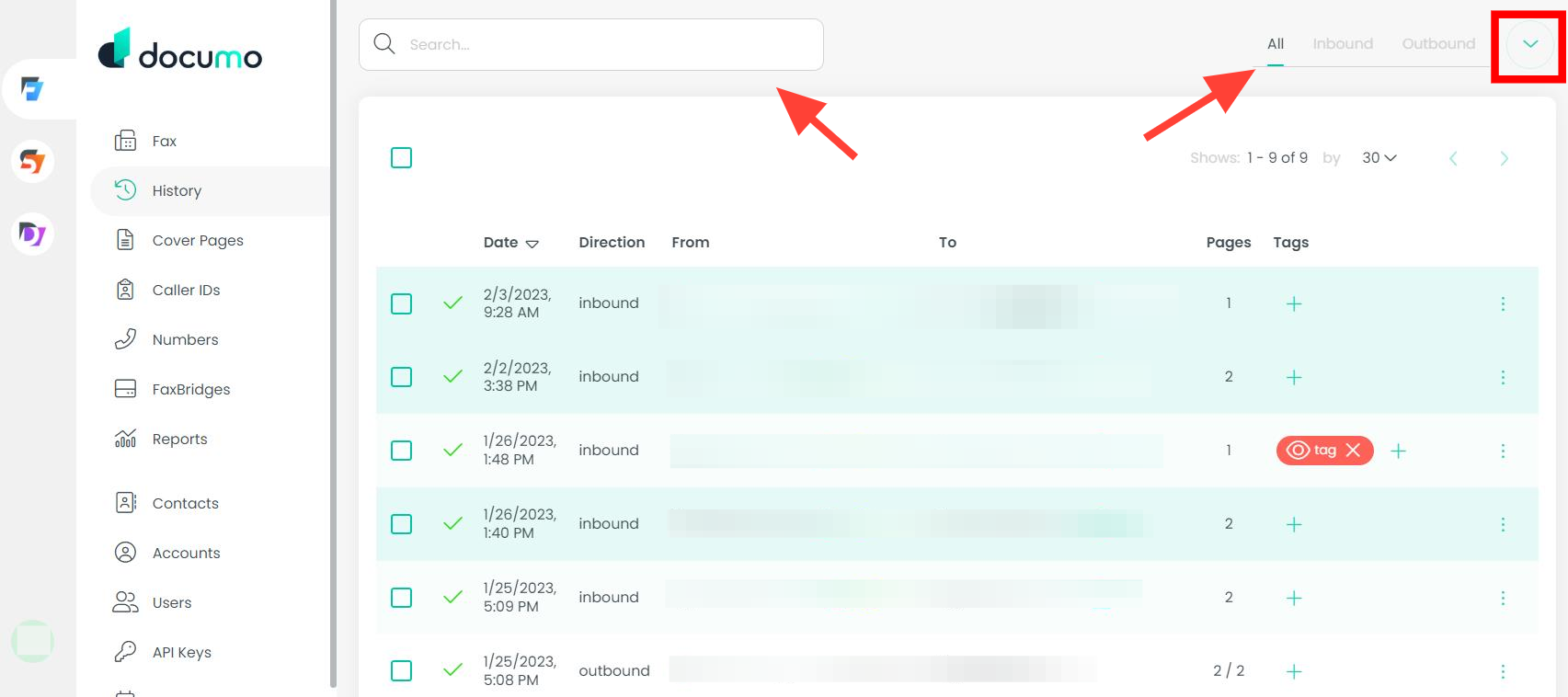
You can choose between viewing All, Inbound or Outbound fax history by selecting the tabs above the grid.
Using the search field will automatically narrow results by your query.
Clicking the arrow will drop down the section allowing you even more options to filter by date range, user (if you are an Admin), and status of the fax. Make sure to hit "filter" once you're done to save your changes.