Sending a print job direct as fax
Looking to send a document as a fax without having save it as a PDF first? - This is perfect scenario for print-to-fax!
Go to print the item in question as you normally would
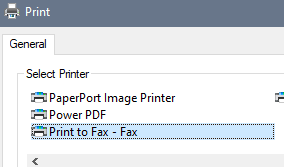
For the printer selection, choose "Print to Fax - Fax"
Click the Print button
Enter the fax number, or look up from your individual address book, then click the (+) button to the right
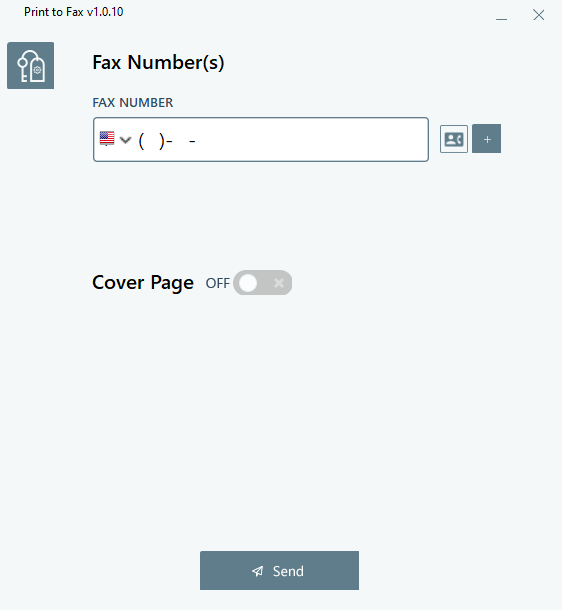
Optionally enable the option for "Cover Page" and fill out the details:
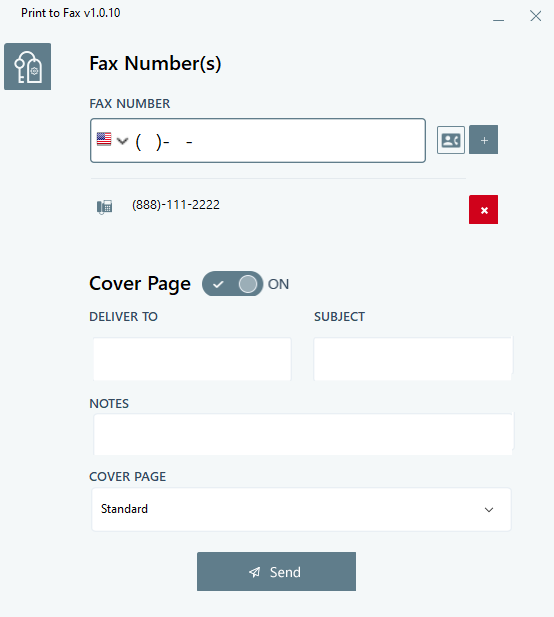
Click the send button when ready.
Note that the Print to Fax - Fax printing option is only available after it's been properly installed and configured on your device.
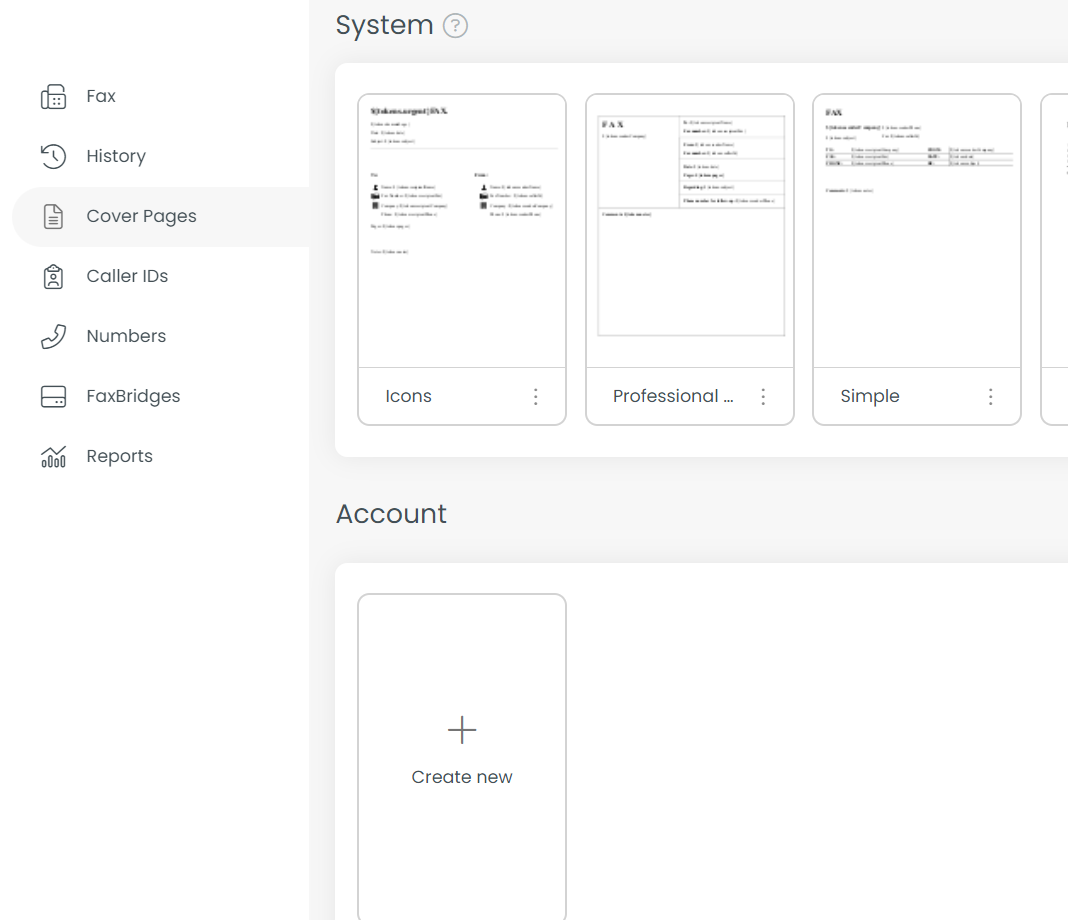
Cover Pages are based on pre-configured templates. You can configure fax templates via your web fax interface under the "Cover Pages" navigation option on the top-left: