
Checking the status of your fax
Checking the status of a fax can be done by looking on the History page. This page is accessible from the main view:
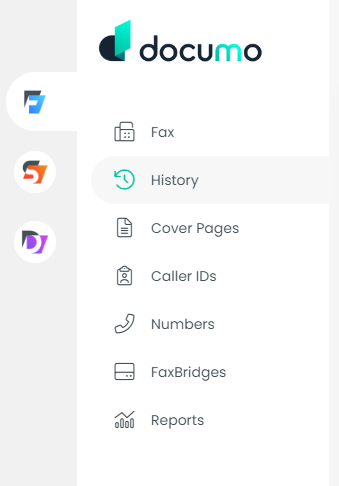
The far left column of each fax will show the status of that fax.
A green check mark means the fax was successful.

A red "X" means the fax failed.

A spinning yellow arrow means processing.

Users can setup email notifications for both inbound and outbound faxes that will notify them for both successful and failed faxes. These notifications can eliminate the need for users to manually check fax status in the application.