Sending From Outlook
Compose a new message in Outlook, attach any needed attachments as you normally would.
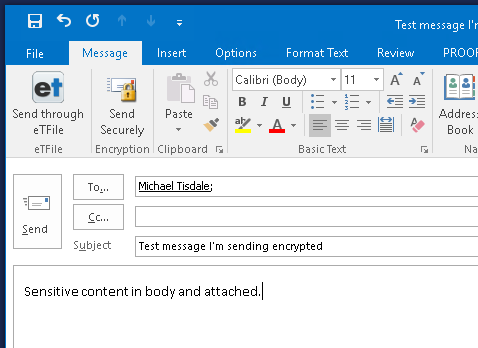
Click the "Send Securely" button in the tool bar as shown in the below screenshot:
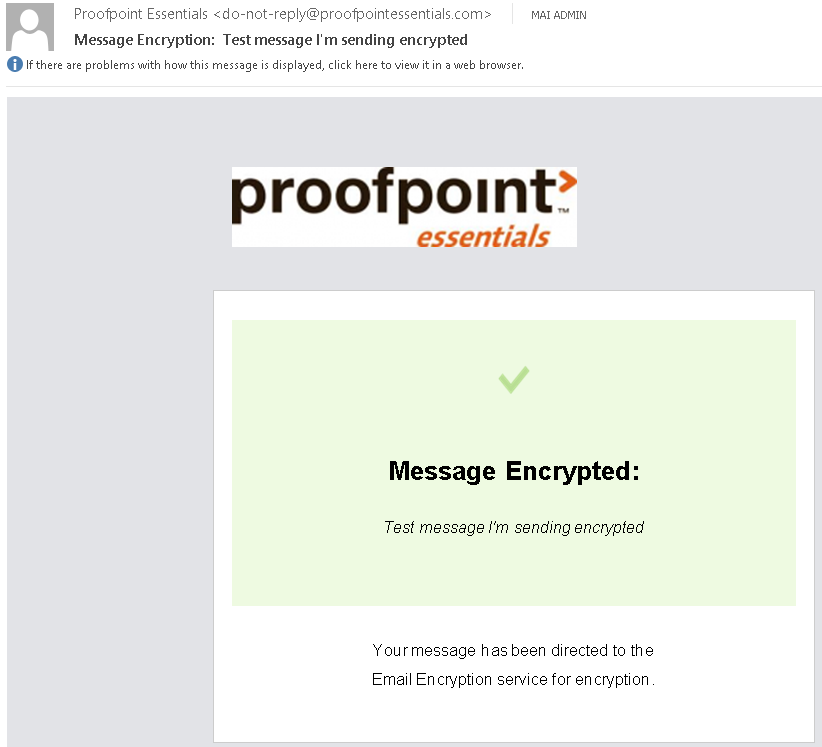
You as the sender will receive the following confirmation once it's been successfully sent as an encrypted message:
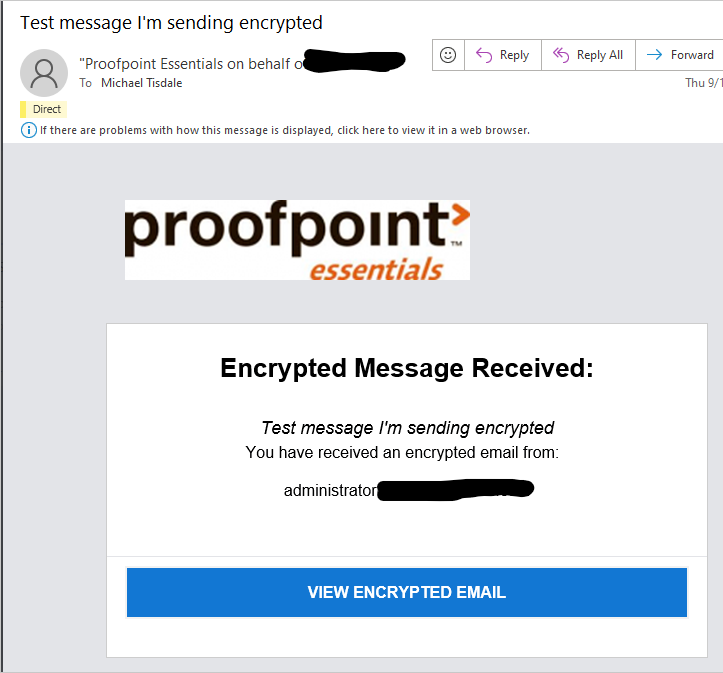
The recipient will see the following on their end: