Usage
Launch for desktop or start menu shortcut:
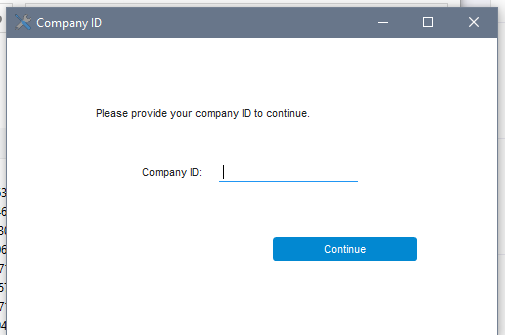
Upon launching, user will be prompted for a company ID:
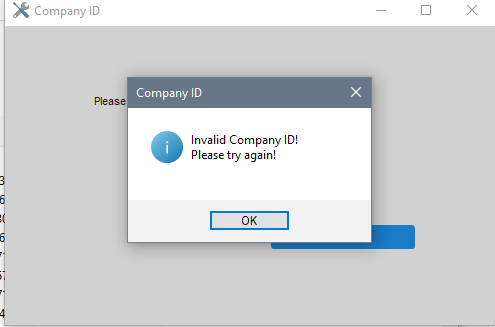
An incorrect ID will result in:
Correct ID will land them here:
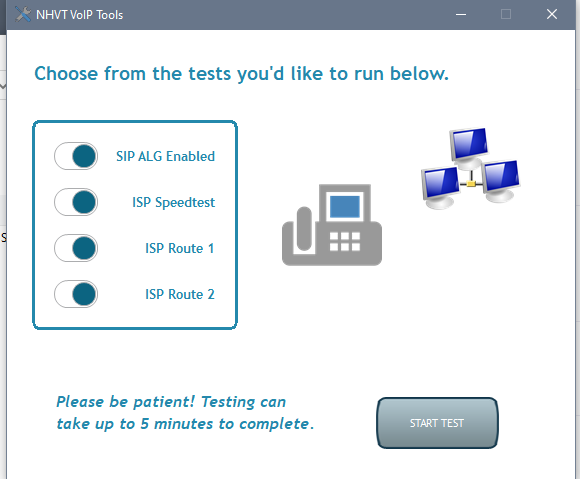
In the main window above, they can choose which of the four tests should be run.
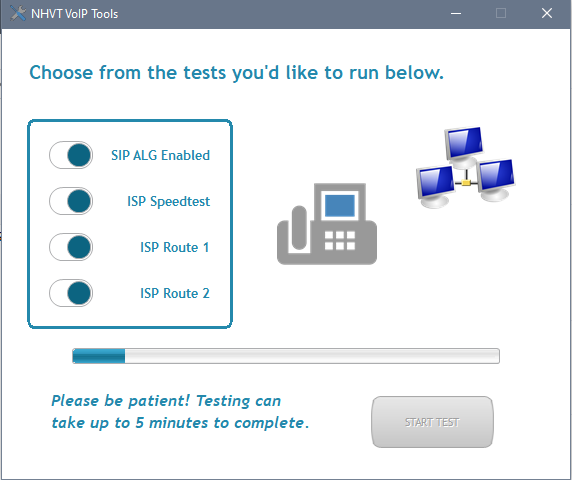
Progress bar will be present while it's running tests:
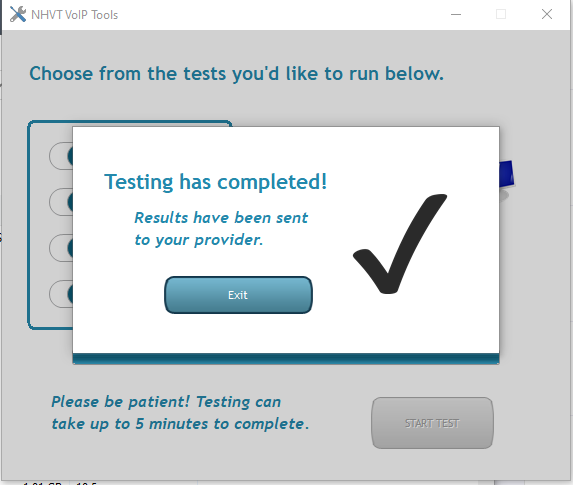
Once completed: