Receiving inbound faxes
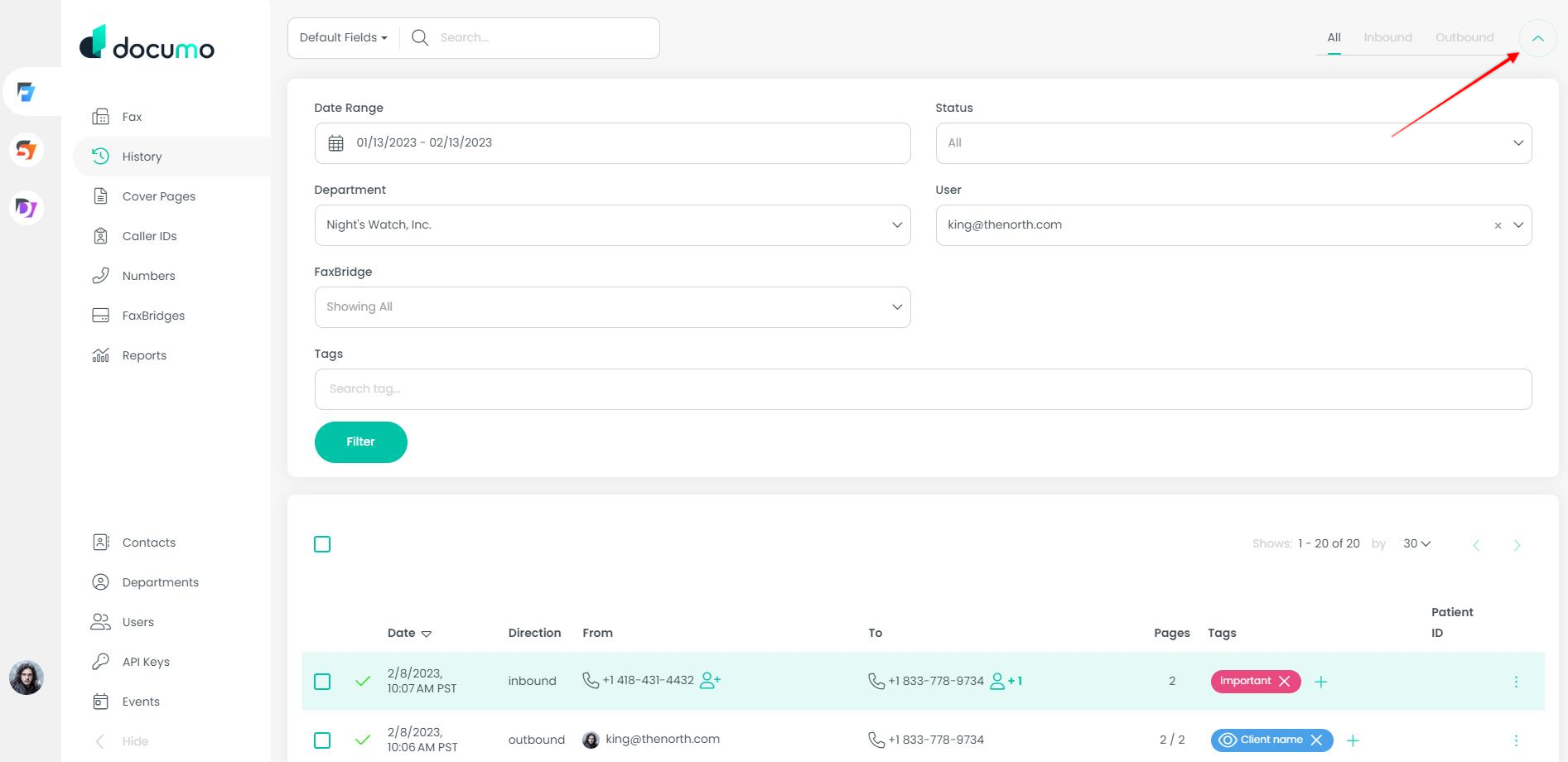
Faxes can be received and viewed in multiple places but the main repository for inbound (and outbound) faxes is on the History page.
Fax history will show a complete record of every single fax received (and sent) from your account.
Fax history is accessible by clicking the "history" option on the left panel.
Clicking the filter drop down gives access to further filtering tools where you are then able to refine your searches and filtering using the fields provided.
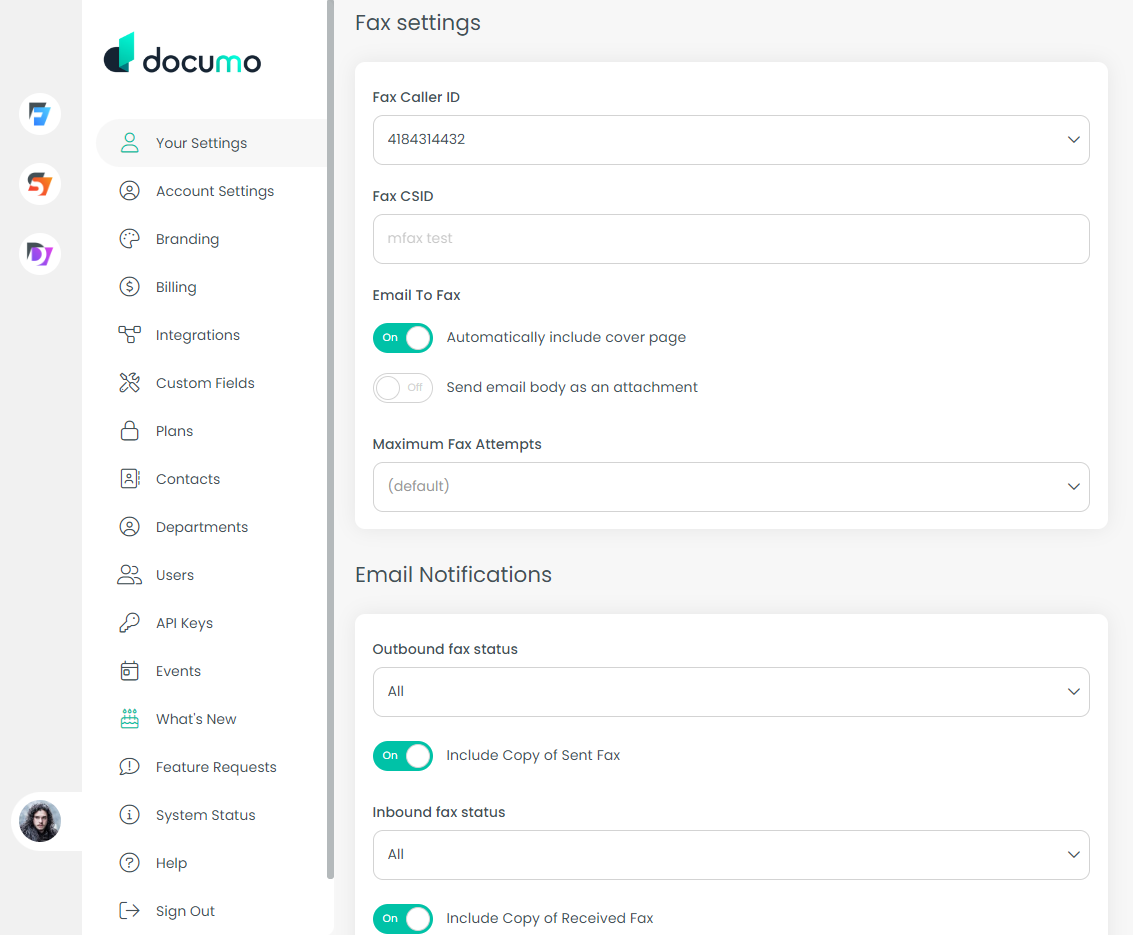
Inbound faxes can also be delivered directly to a user's email address. Using the notification settings, users are able to toggle on the ability for a copy of the fax to be attached to the email notification by clicking your initials or picture, 'your settings', the 'fax' tab, and toggling on these settings: