Skip to main content
Initial Setup
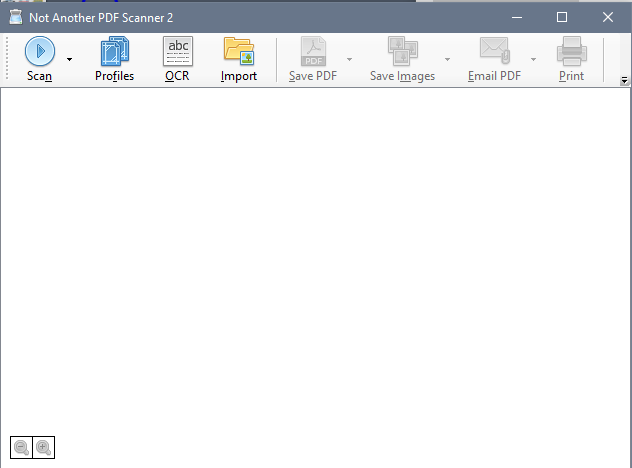
- Launch the NAPS application
- Click the Scan button in the toolbar
-
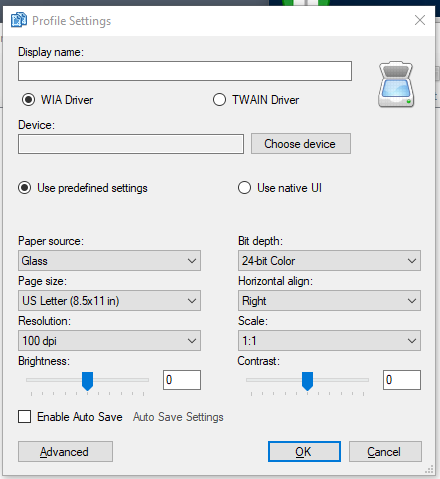
- You'll arrive at the "Profile Settings" window
-
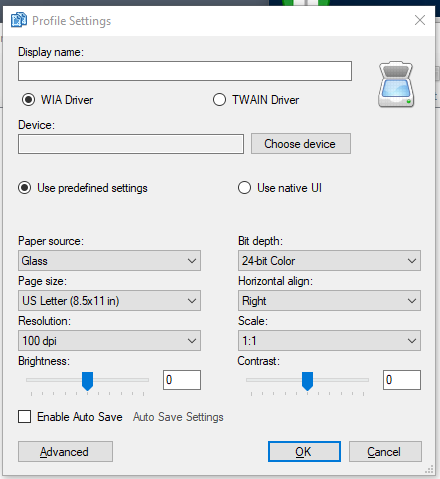
- Click on the "Choose Device" button at the top
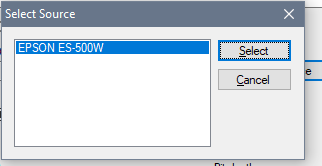
- You should then be shown all scanners that your computer knows about
-
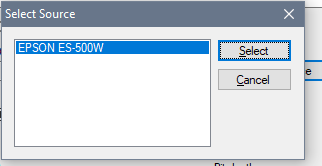
- Select the applicable scanner and click the Select button
- Click the OK button
- Place a document in your scanner
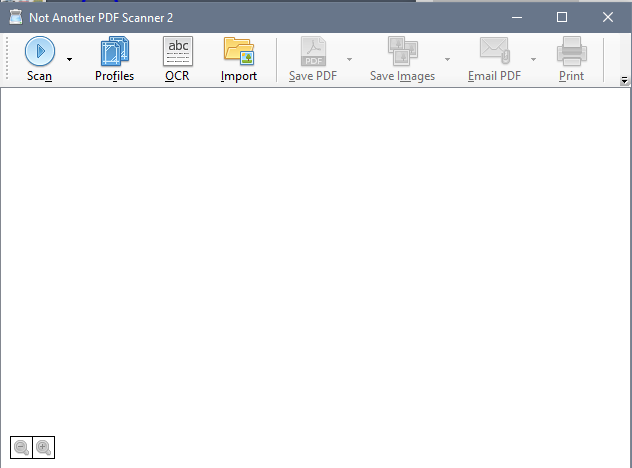
- Click the Scan button in the toolbar
- Proceed through the scanning options
- If you successfully scan in a document into the software, you're done!